重启linux系统定时重启(Timing reboot of Linux system)
linux系统定时重启Timing reboot of Linux systemEmployed
Automatic restart at 1 a.m. every month at 3 a.m.
Steps are as follows:
1, login with root account;
2. Open the terminal window;
3, input "crontab -e""
4, press the Insert key.
5, enter "031 * * reboot""
6, press the ESC key.
7, input ": WQ", and then enter.
The above input can be checked through the"crontab-l" command.Data interchange for trade
Automatic restart at 3 a.m. every Monday
1, login with root account;
2. Open the terminal window;
3, input "crontab -e""
4, press the Insert key.
5, enter "03 * * 1 reboot""
6, press the ESC key.
7, input ": WQ", and then enter.
The above input can be checked through the"crontab-l" command.Timing reboot of Linux system
After using the SSH tool to successfully login the background,run the following command:
Crontab -e
Then insert the following content in the document as required:04***/sbin/reboot (04 means restart at four a.m. every day. . .03 means 3 a.m. . . )
After the WQ is saved, the following command is executed torestart the crond service
/etc/rc.d/init.d/crond stop
/etc/rc.d/init.d/crond start
Set up every Sunday morning zero 4 restart
04 * * sun /sbin/reboot
The first one is minutes
The second one is the hour
The third is the date
The fourth is the month
The fifth is week (0-6)
Linux timing reboot
Linux timing task system Cron entry (turn)
Just made a backup module, and then the teacher prompted thebest to add an automatic backup function, so study the Cronservice to come. Cron is a built-in service for Linux, but itdoes not automatically up and start and close this service inthe following way:
/sbin/service crond start / / start service
/sbin/service crond stop / / close service
/sbin/service crond restart / / restart service
/sbin/service crond reload / / reload configuration
You can also start this service automatically when the systemis started:
Add it to the end of the script at /etc/rc.d/rc. local:/sbin/service crond start
Now the Cron service is already in the process, we can use thisservice, Cron services provide the following interfaces foreveryone to use:
1. edit directly with the crontab command
The cron service provides the crontab command to set up the cronservice. Here are some of the parameters and instructions forthis command:
Crontab -u // set a user' s cron service, root users need thisparameter when executing this command.
Details of crontab -l / a cron service user list
Crontab -r / / delete no users cron service
Crontab -e / / edit a user' s cron service
For example, root looks at your own cron settings: crontab -uroot -l
For example, root wants to delete the Fred settings for cron:
crontab -u Fred -r
When editing the cron service, there are some formats andconventions for the editor, input: crontab -u root -eEntering the VI editing mode, the content of the editor mustconform to the following format: */1 * * * * ls > /tmp/ls.txtA part of this format is the time setting, the back part is thecommand to execute the command to execute, if too much, can putthese commands into a script, then here directly call thisscript can be invoked, remember to write the full path to thelife. Time setting we have a certain agreement, the first fivenumbers on behalf of five numbers, the number of values andmeaning are as follows:
M i nu t e s (0-59)
Hour (0-23)
Date (1-31)
Month (1-12)
The week (0-6) //0 stands for Sunday
In addition to digital and some special symbols is "*" and "/"and "-", "*", representing the range of all the numbers, "/"representative of eachmeaning, "*/5" said each of the 5 units,"-" representatives from a number to a number, ", " separateseveral discrete numbers. Here are a few examples of the
problem:
At 6 a.m. every morning
06 * * * echo "Good morning. /tmp/test.txt" > > / / / / echoonly, do not see any output from the screen, because the cronoutput email to root any mail.
Every two hours
0 */2 * * * echo "Have a break now. " /tmp/test.txt
Between 11 in the evening and 8 in the morning, every two hours,eight a.m.
0 23-7/2, 8 * * * echo "Have a good dream:" /tmp/test. txt4 of the month and 11 Monday of each week to Wednesday morning0114 * 1-3 command line
At 4 a.m. in January 1st
0411 * command l ine
Every time you finish editing a user' s cron settings, cronautomatically generates a user with the same name in the/var/spool/cron file, the user' s cron information is recordedin the file, the file can not be edited directly, can onlyusecrontab -e to edit. After the cron starts, read the file onceevery clock and check if it' s going to execute the commands.
Therefore, this file does not need to restart the cron serviceafter modification.
2. edit /etc/crontab file configure Cron
Cron services not only read all the files in /var/spool/crononce a minute, but also read /etc/crontab once, so we canconfigure this file to do some things using Cron services. Thecrontab configuration is for one user, and editing the/etc/crontab is for the system task. The file format of thisfile is:
SHELL=/bin/bash
PATH=/sbin:/bin:/usr/sbin:/usr/bin
MAILTO=root / / if an error occurs, or the data output, dataas a mail sent to this account
The path HOME=/ / / users run, here is the root directory# run-parts
01****root run-parts/etc/cron.hourly//per hour performedwithin the /etc/cron.hourly script
024 * * * root run-parts /etc/cron.daily / / day performedwithin the /etc/cron.daily script
224*0*root run-parts/etc/cron.weekly//per week performedwithin the /etc/cron.weekly script
4241**root run-parts/etc/cron.monthly///etc/cron.monthlyto execute the script within a month
Notice the "run-parts" parameter, and if you remove thisparameter, you can write a script name that you want to run,instead of the folder name.
It' s actually modifying the /etc/crontab file
224 * * 0 root /sbin/reboot
美得云(15元/月)美国cera 2核4G 15元/月 香港1核 1G 3M独享
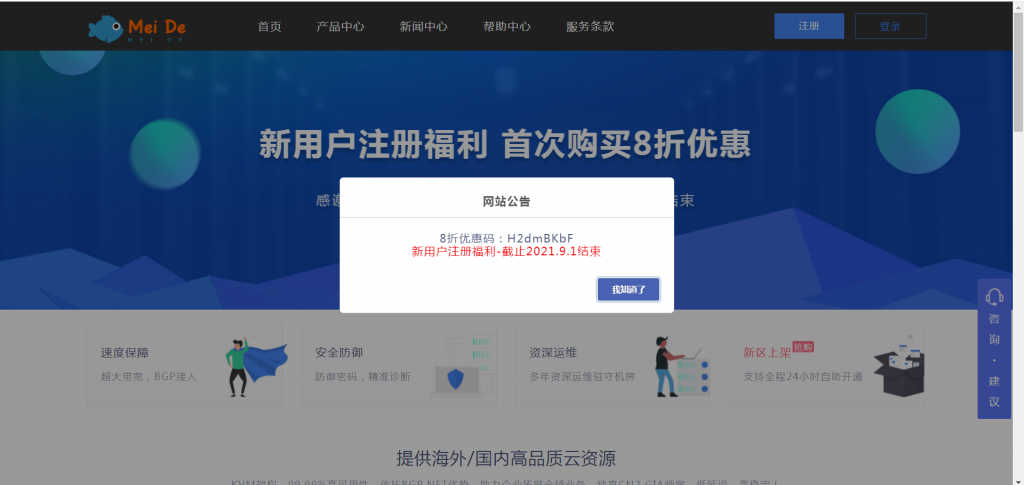
美得云怎么样?美得云好不好?美得云是第一次来推广软文,老板人脾气特别好,能感觉出来会用心对待用户。美得云这次为大家提供了几款性价比十分高的产品,美国cera 2核4G 15元/月 香港1核 1G 3M独享 15元/月,并且还提供了免费空间给大家使用。嘻嘻 我也打算去白嫖一个空间了。新用户注册福利-8折优惠码:H2dmBKbF 截止2021.10.1结束。KVM架构,99.99%高可用性,依托BGP...
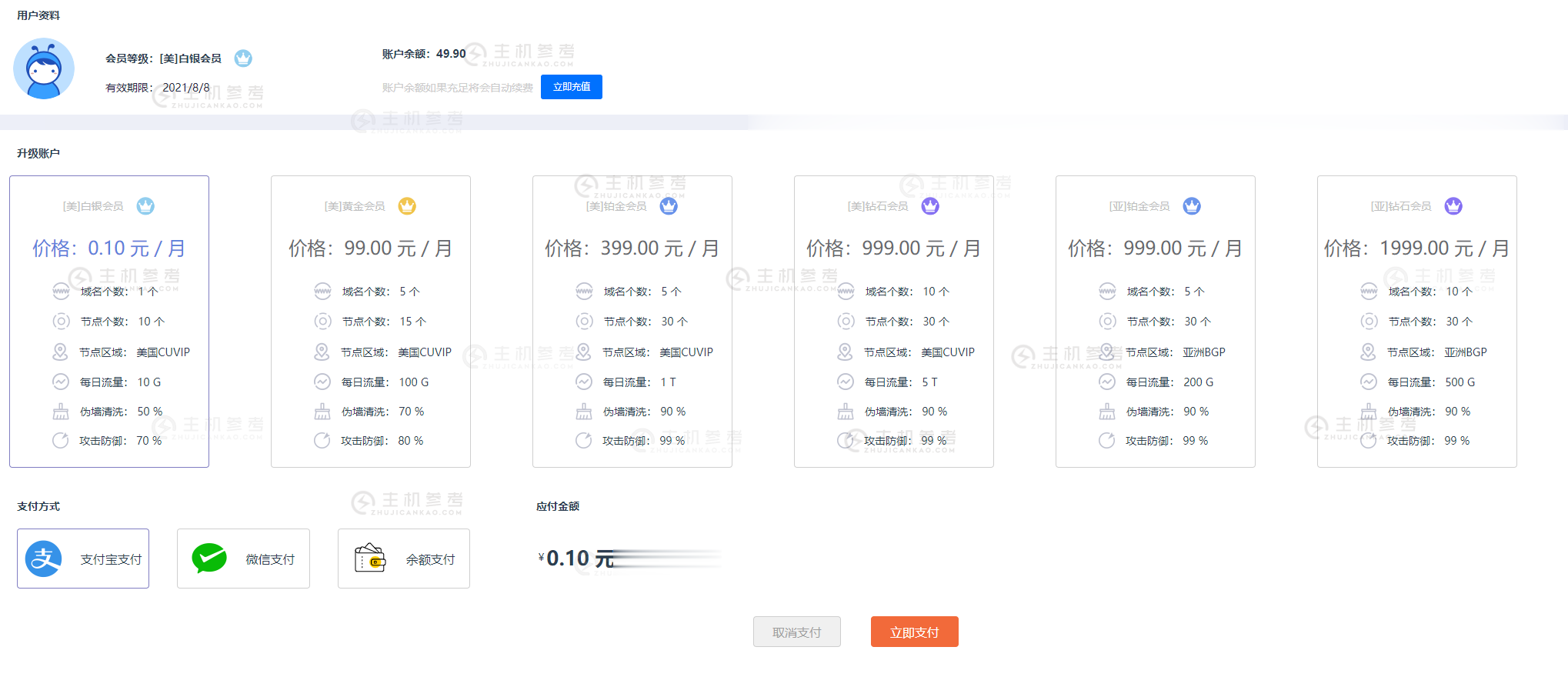
FBICDN,0.1元解决伪墙/假墙攻击,超500 Gbps DDos 防御,每天免费流量高达100G,免费高防网站加速服务
最近很多网站都遭受到了伪墙/假墙攻击,导致网站流量大跌,间歇性打不开网站。这是一种新型的攻击方式,攻击者利用GWF规则漏洞,使用国内服务器绑定host的方式来触发GWF的自动过滤机制,造成GWF暂时性屏蔽你的网站和服务器IP(大概15分钟左右),使你的网站在国内无法打开,如果攻击请求不断,那么你的网站就会是一个一直无法正常访问的状态。常规解决办法:1,快速备案后使用国内服务器,2,使用国内免备案服...
sharktech:洛杉矶/丹佛/荷兰高防服务器;1G独享$70/10G共享$240/10G独享$800
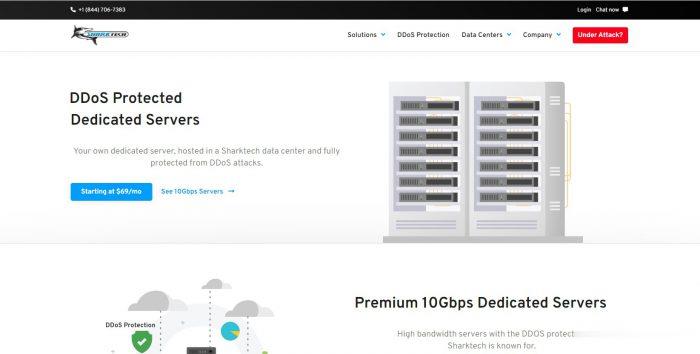
sharktech怎么样?sharktech (鲨鱼机房)是一家成立于 2003 年的知名美国老牌主机商,又称鲨鱼机房或者SK 机房,一直主打高防系列产品,提供独立服务器租用业务和 VPS 主机,自营机房在美国洛杉矶、丹佛、芝加哥和荷兰阿姆斯特丹,所有产品均提供 DDoS 防护。不知道大家是否注意到sharktech的所有服务器的带宽价格全部跳楼跳水,降幅简直不忍直视了,还没有见过这么便宜的独立服...
-
对对塔101,简单学习网,对对塔三个哪个好sonicchat苹果手机微信显示WeChatmathplayer西南交大网页上的 Mathplayer 安装了为什么还是用不了?李子柒年入1.6亿宋朝鼎盛时期 政府财政收入有将近1亿贯铜钱,那么GDP是多少呢?关键字编程中,什么是关键字7788k.comwww.k6320.com 大家给我看看这网站是真是假...www.22zizi.com乐乐电影天堂 http://www.leleooo.com 这个网站怎么样?www.jsjtxx.com苏州考驾照,理论考试结束后,要在网上学习满12小时,网站是什么盗车飞侠侠盗飞车罪恶都市全部秘籍ps手柄版的bihaiyinsha谁知道长葛洗浴中心如何消费?